Start with devices you already own
You do not necessarily need a dedicated ticket kiosk to organize a queue. In the cloud setup, a receptionist can create tickets from a compatible computer or mobile device and customers can follow calls on a screen displaying a web page.
Four useful types of devices
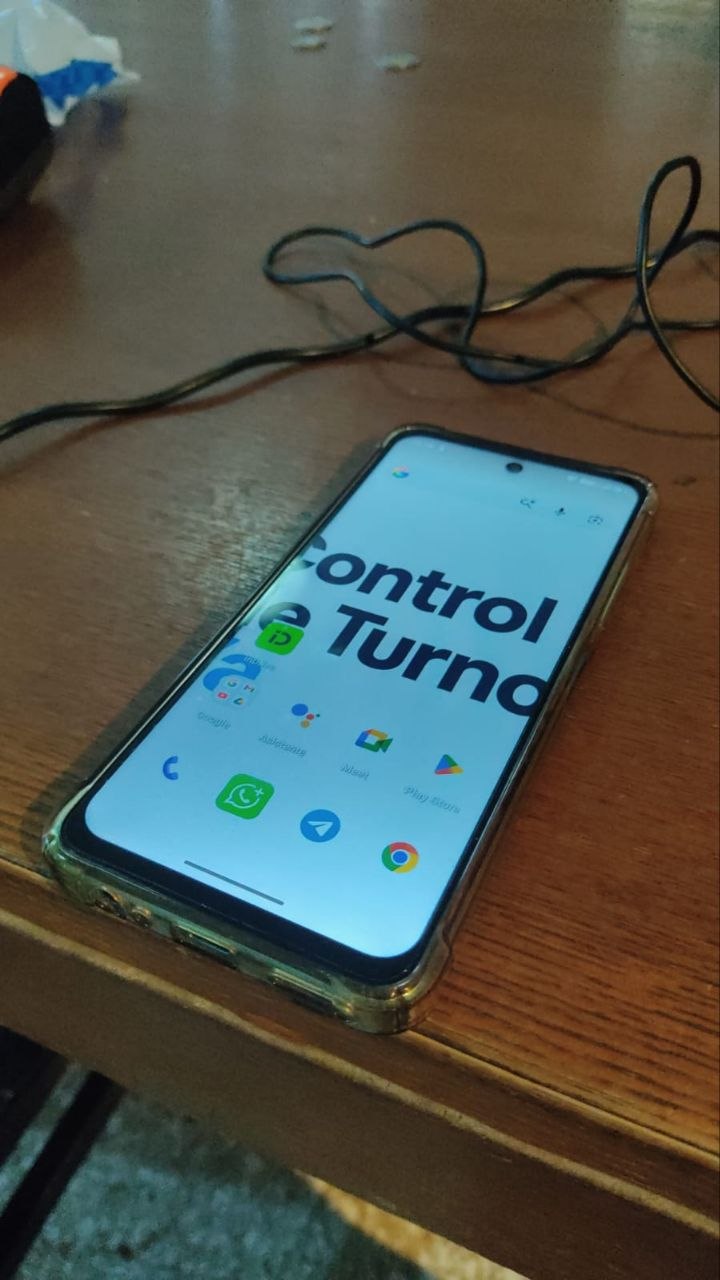
1. Phone or tablet
A compatible browser can provide access to relevant operational features, depending on the staff member's permissions and screen size.
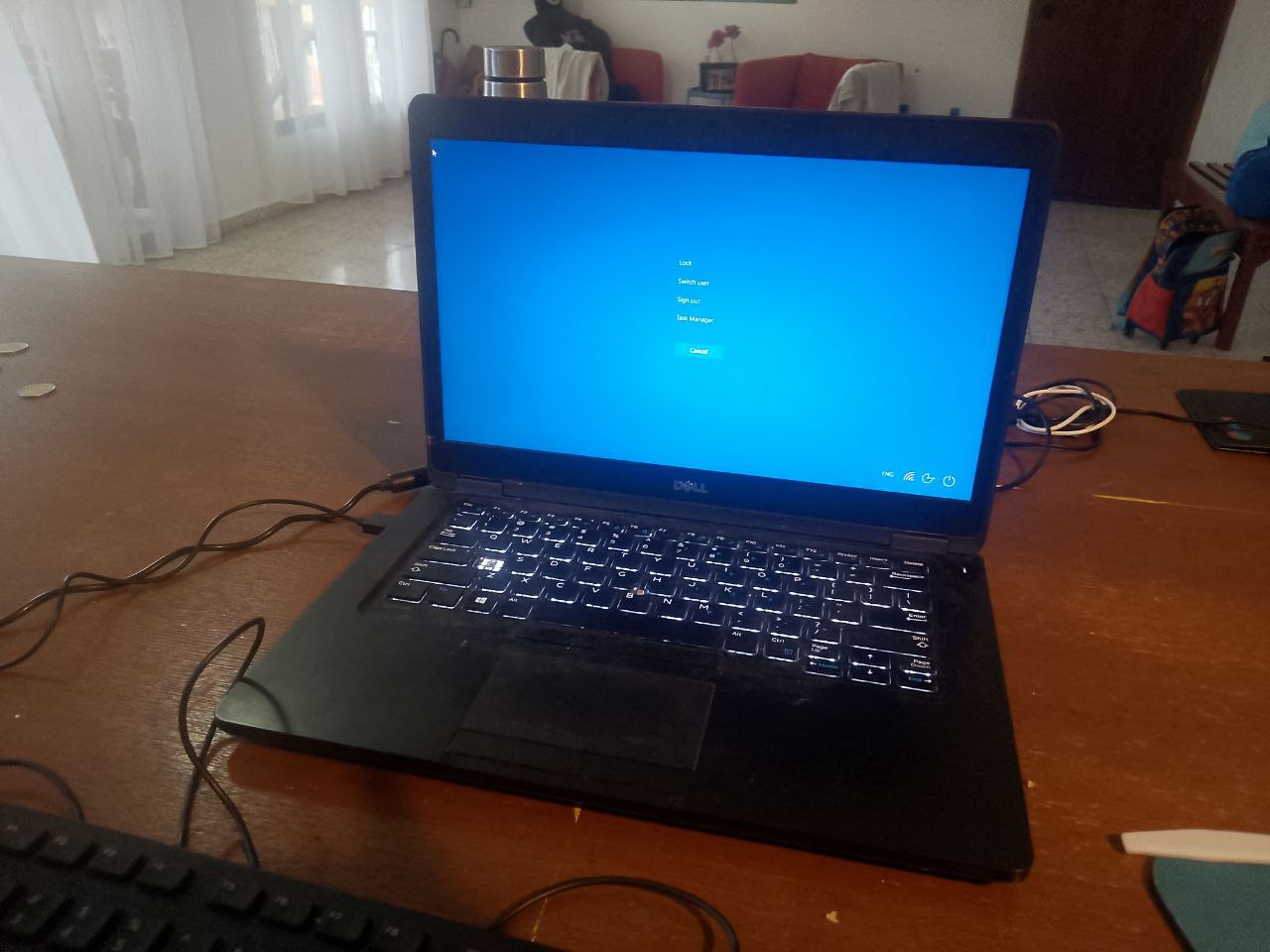
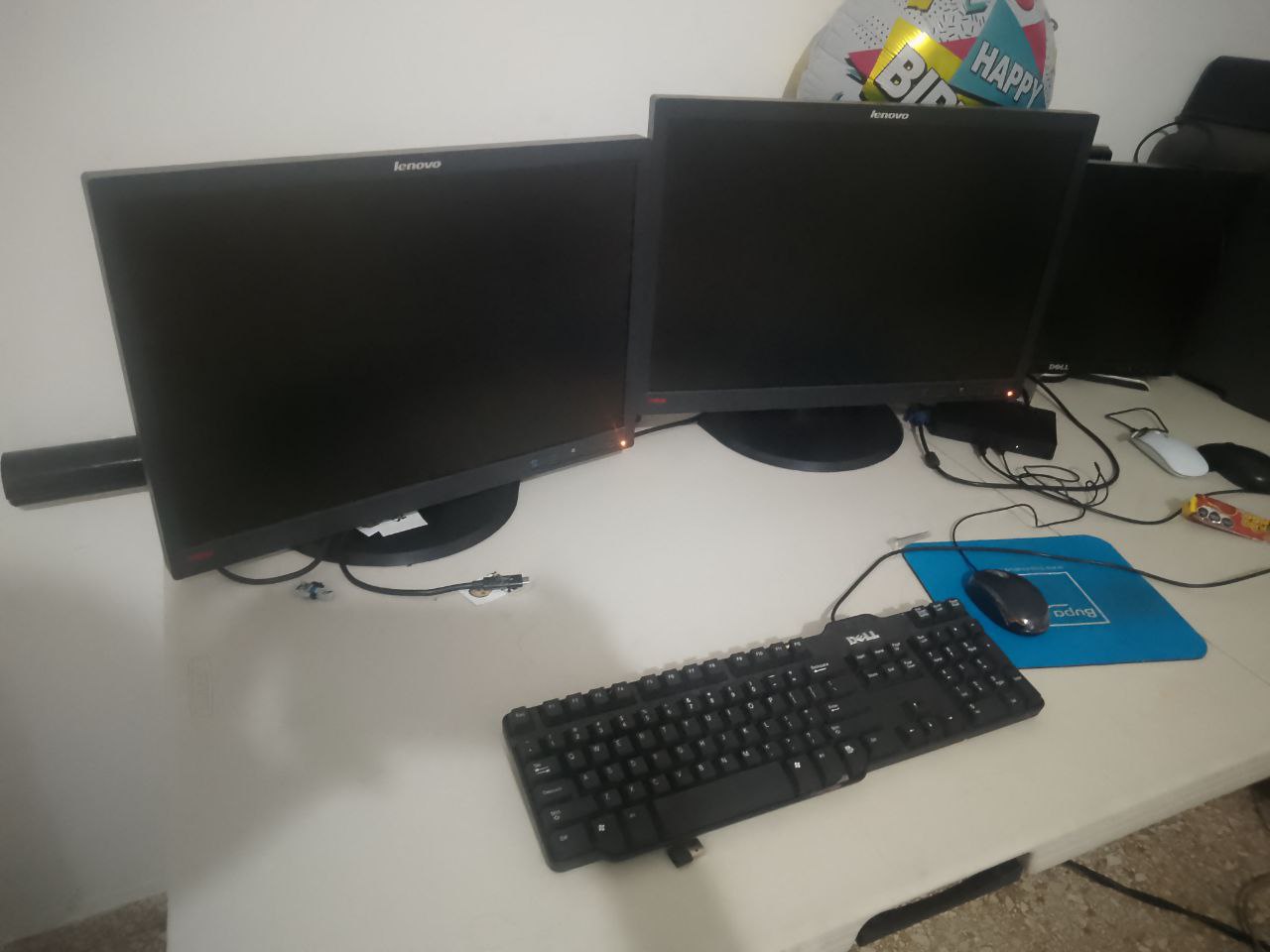
2. Desktop or laptop
Reception staff can issue tickets and operators can call the next person from their workstations.
3. Printer, when needed
Printed tickets may be useful in some installations. Check printer compatibility and the workflow before assuming any printer will work without adjustment.
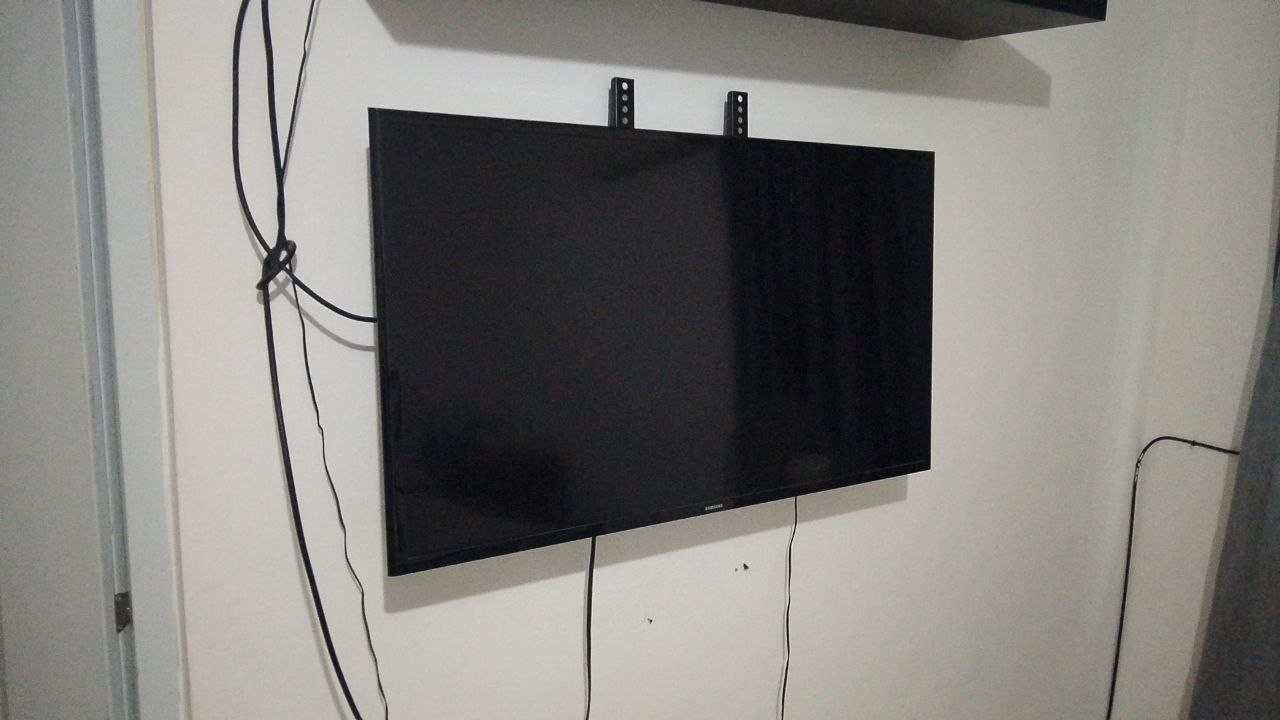
4. Smart TV or monitor
A compatible screen can open the queue-display URL and show waiting numbers and calls. Voice announcements depend on the audio setup and browser/device capabilities.
What if there is no waiting-room screen?
Some implementations can offer a web-based view of the queue. Confirm the available configuration and how customers would access it before implementation.
Is it free to use existing hardware?
Reusing compatible devices may avoid purchasing specialized hardware, but the software subscription and any requested on-site services are separate considerations. Control de Turnos YA offers a 30-day free cloud trial for prospective clients prepared to use the system daily. Initial setup and guidance are remote; on-site installation is not included in that trial.
When is a customized installation more suitable?
Organizations with several departments, physical kiosks, custom equipment or dedicated infrastructure should request a scoped proposal. SaaS and on-premises implementations are distinct options.
See the guide to queue-management systems and our hospital workflow example.
Common questions
Do I need to buy a kiosk?
Not necessarily. The cloud workflow can start with compatible everyday devices.
Does the 30-day trial require daily use?
Yes. The free cloud trial is intended for prospects willing to use the product daily during the evaluation period.