
Digital Ticketing System for Customer Service
Replace unclear manual queues with digital ticket assignment and transparent customer calling at service points.
Request a demo or free trialFrom basic tickets to digital calling
A digital ticketing setup can replace more limited manual or mechanical processes and give visitors clearer signals about when it is their turn.
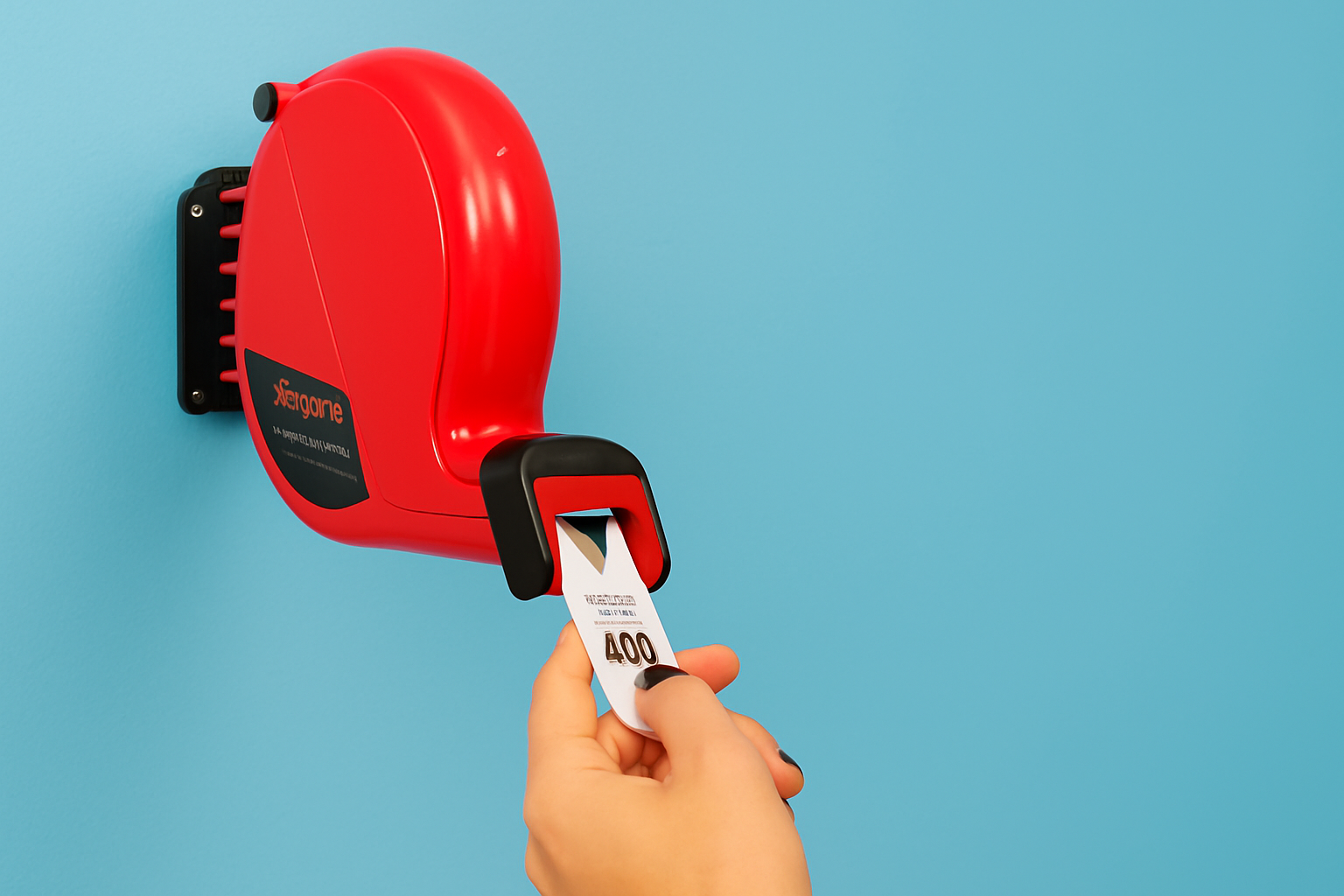
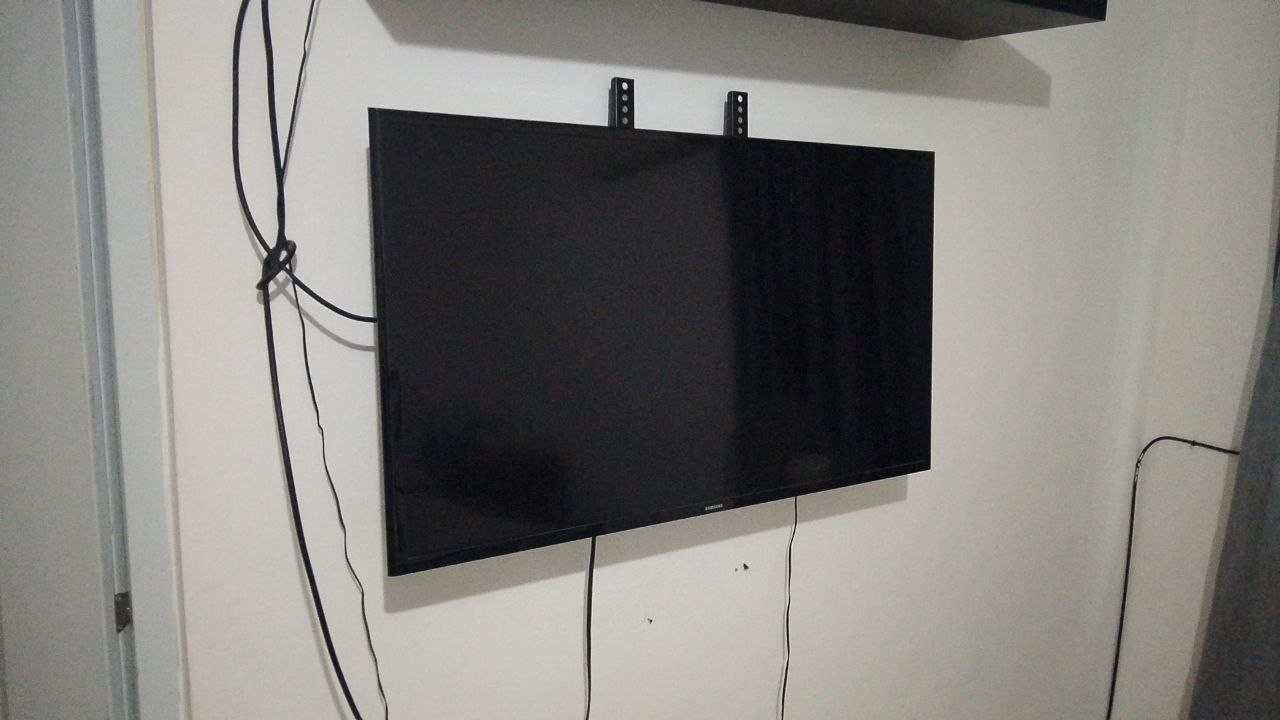
What is a digital ticketing system?
A digital ticketing system issues a turn number and helps staff call customers in a consistent order. Depending on the setup, it can also provide digital tickets, printed tickets, queue screens and audio calls.
From arrival to service
When the visitor arrives, reception can create their ticket. The visitor follows their number on a compatible display and approaches the indicated counter when called.
- Arrival and ticket issuance
- Waiting-room display
- Calling and service
Ways to issue and display tickets
A deployment can use reception-issued numbers and, where configured, digital or QR-based workflows. Dedicated kiosks and printers are optional equipment to assess based on compatibility and scope.
- Reception desk
- Optional printed or digital tickets
- Browser-based queue display
Who can benefit?
Digital ticketing is suitable for service counters, clinics, laboratories, banks, municipal offices and other organizations handling walk-in customers.
Start without specialized hardware
For a basic cloud configuration, a compatible computer or phone at reception plus an internet-connected display can be enough to start. Ask us to assess your exact devices before deployment.
More than a number dispenser
Different service categories, staff calling stations, priority rules and reports can be available as part of a broader queue management solution.
Frequently asked questions
Is a dedicated ticket kiosk required?
No. A cloud deployment can start with compatible devices you already own. Specialized devices may be added if needed.
Can I request a demonstration?
Yes. Complete the quote form so our team can assess your workflow and arrange the next steps.
Is there a free trial?
A 30-day cloud trial is available at no cost for prospects willing to use the system daily. Setup and initial guidance are remote; on-site services are quoted separately.
Can the system be installed on premises?
On-premises installation is available by quotation when the organization needs a locally deployed solution.
Can calls be announced by voice?
Voice calls are supported in appropriate configurations. The audio device and browser must be compatible.
Explore our solutions
Ready to organize customer service?
Tell us about your organization and the type of queue you would like to manage. We offer remote guidance and tailored implementation when needed.
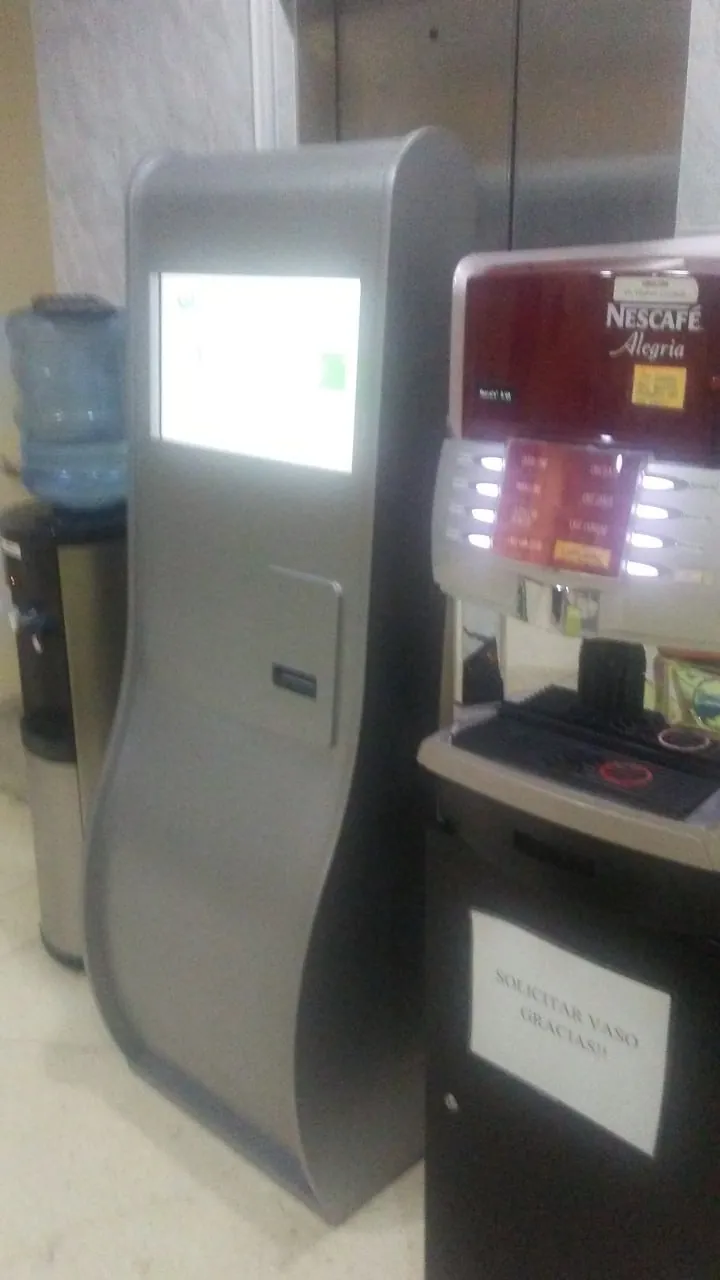
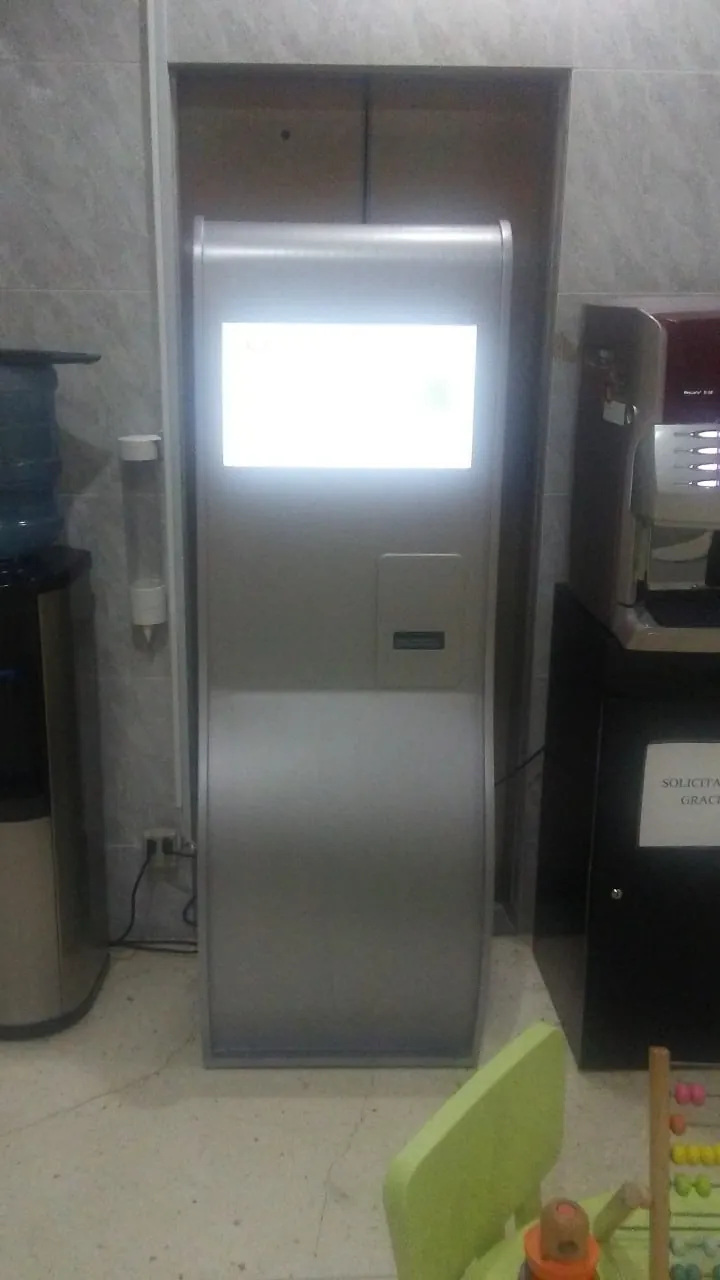
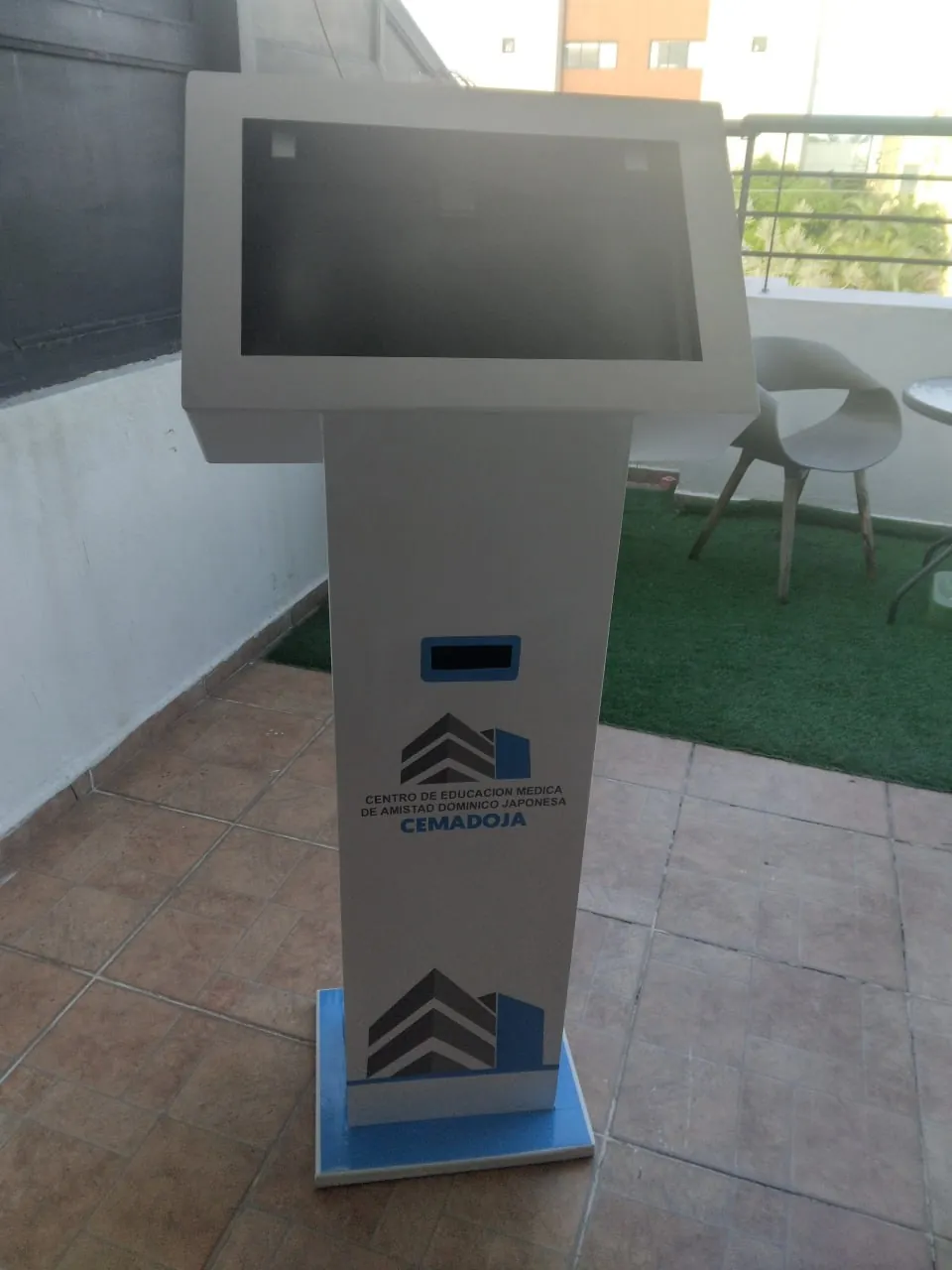
Request a quoteSelf-service terminals in real projects
Different ticket kiosks and service terminals can be used where the project requires physical self-service equipment.
How we implement and support the system
Our team has worked on queue management solutions since 2014, with more than 20 historical implementations. We first map the manual workflow with operational leaders, assess ticketing and service areas, coordinate network requirements with IT, configure operator stations, train staff, and introduce the system in stages. Support continues after launch, including help with new departments or users, according to the project agreement.
What management can measure
Supervisors can review tickets issued daily, tickets handled per operator, time before first call, handling time, cancelled or unattended tickets, department activity, historical reports and operator activity in real time.