
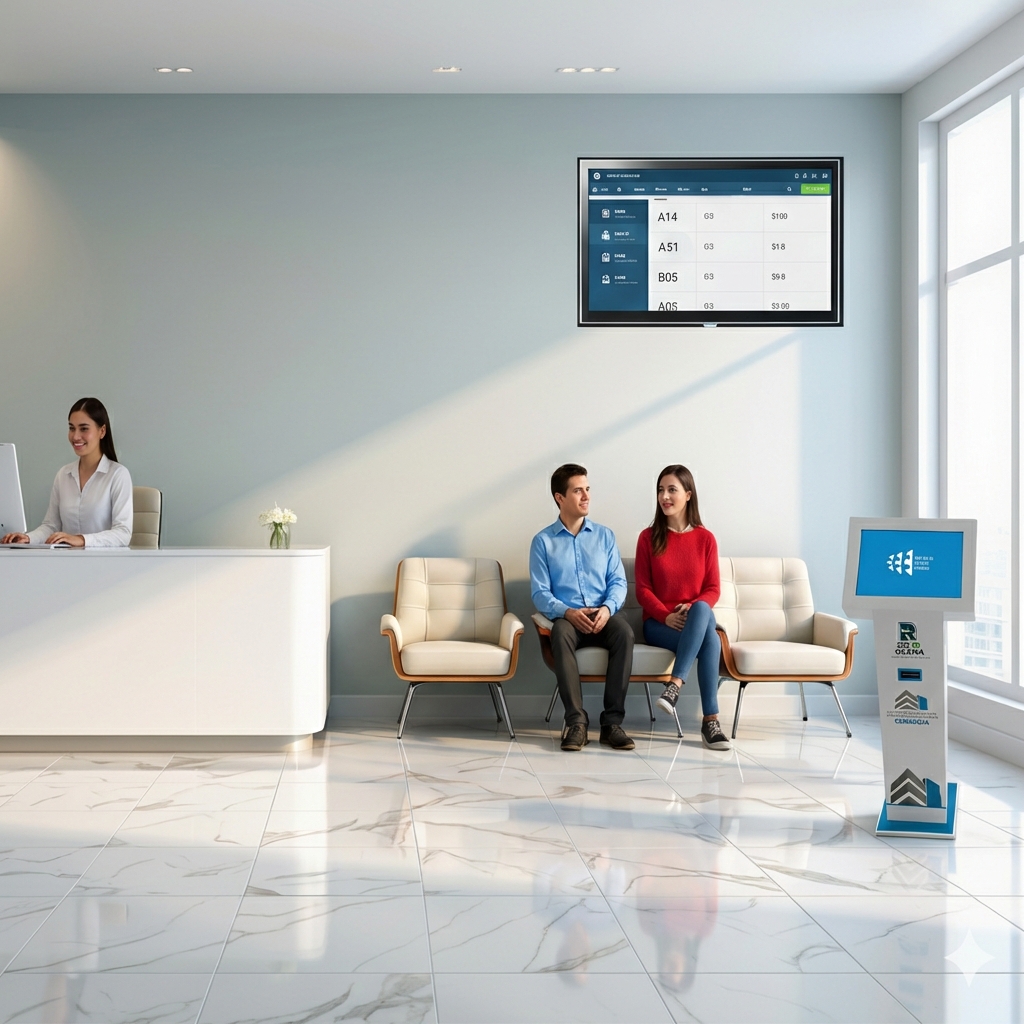
Queues and waiting times
Organize the flow of visitors and make the service process more visible.
Queue and customer service management software
Organize in-person service, manage waiting lines and tickets, and coordinate multiple service areas. Control de Turnos YA is available as cloud SaaS or can be installed on your organization’s servers.
REAL-WORLD IMPLEMENTATIONS
Since 2014, we have developed and deployed queue management solutions. These are authentic photographs of kiosks, displays and software used in our projects.
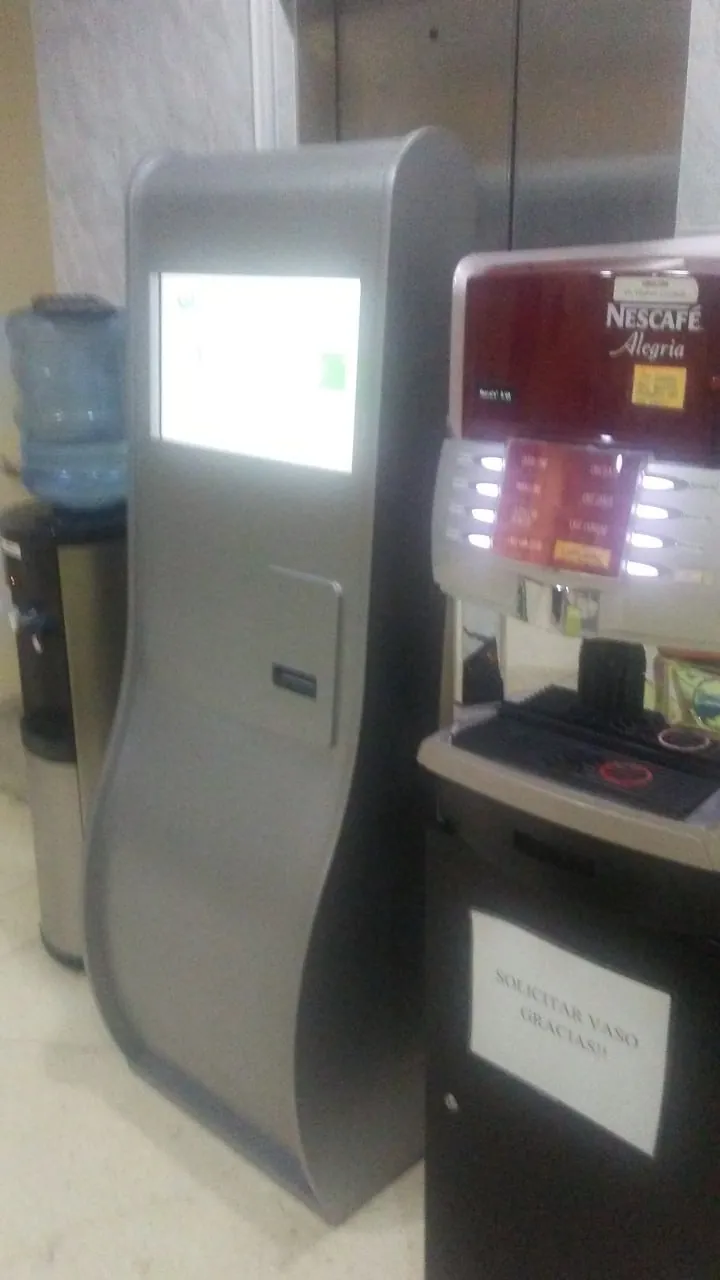
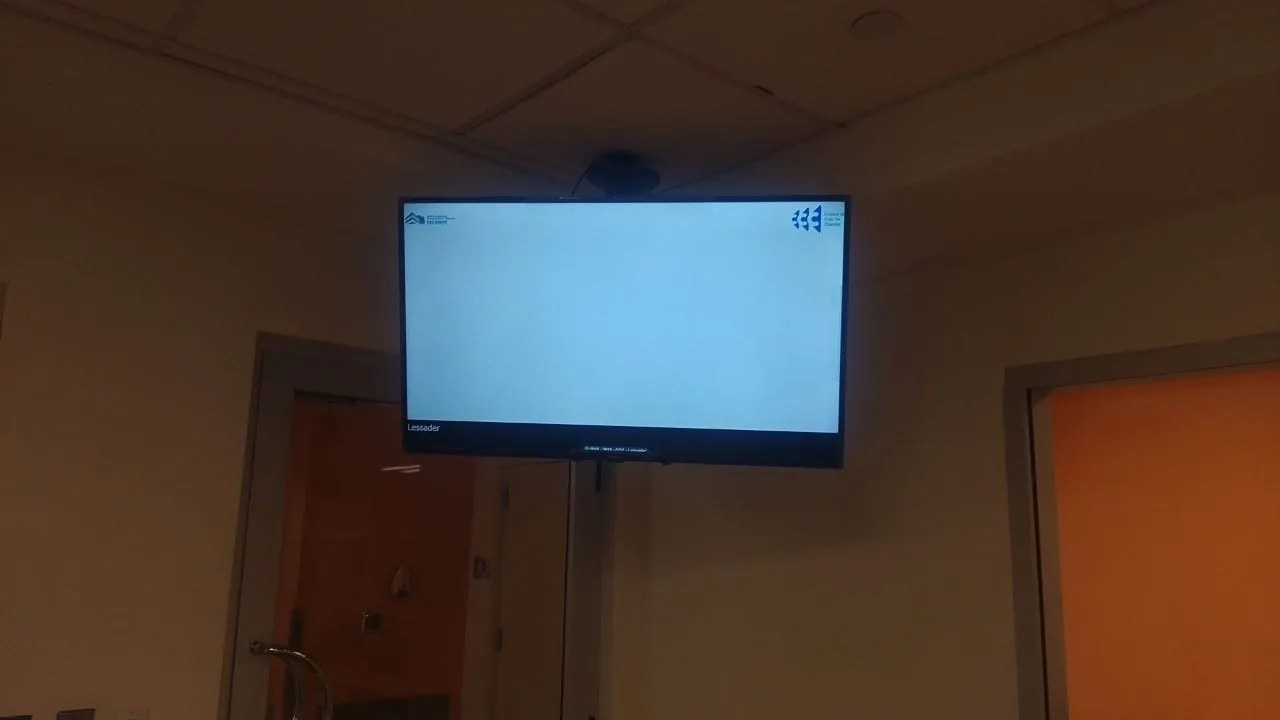
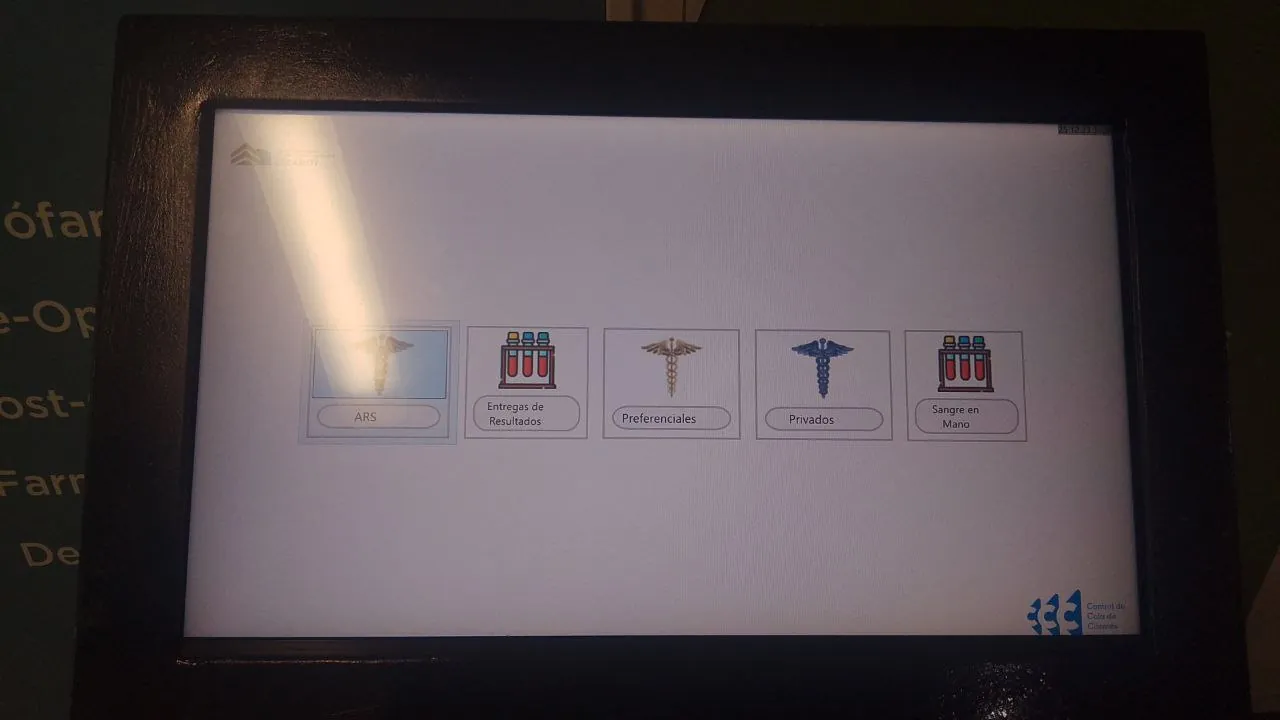
This authentic short video shows a visitor obtaining a ticket and walking to the waiting area with queue calling screens.
Footage from a real deployment. If the embedded player fails in local preview, use the YouTube link.
Discover how we implement the system →Control de Turnos YA can be used by organizations in different countries. We provide implementation and support to help your team organize queues and improve customer service.
Countries are examples of where service may be available, not the locations of offices or customers.
Control de Turnos YA is software for managing queues, tickets, and in-person customer service workflows. It organizes arrival order, assigns services and counters, announces tickets, and gives staff greater visibility over operations. Learn more about our queue management system. It can be deployed as a cloud service or installed on an organization’s own infrastructure.
Without a clear queue process, visitors may become uncertain, delays are harder to manage, and supervisors have less visibility across service areas.
Organize the flow of visitors and make the service process more visible.
Track who is next, which service they need, and where they should be served.
Coordinate counters, waiting rooms, services, and different types of assistance.
Bring information together to monitor service activity and understand operations.
Workflows can be adapted to each organization. Here is a simple example, from requesting a ticket to receiving service.
A visitor receives or generates a ticket using one of the available channels.
The system identifies the required service, process, or type of assistance.
The ticket enters the configured service workflow and queue order.
Employees can call and manage tickets from their service station.
Depending on the setup, visitors can view progress or receive ticket updates.
The organization can use operational information to monitor and analyze service.
The setup can be adapted to your organization's existing service workflow.
Visitors can join through a web experience configured for the operation.
Share a direct link through your organization's digital channels.
Enable kiosk self-service or QR code access depending on the project.
Staff can create or manage tickets from their workstation.
Available features depend on the configuration and the scope agreed with each organization.
Organizations have different requirements. The deployment model is selected according to the project's operational, technical, and commercial needs.
SAAS MODEL
Use Control de Turnos YA as a cloud service without managing your own servers. This option suits organizations that prefer a managed solution accessible over the internet.
ON-PREMISES
For organizations that need to run the platform on their own infrastructure, on-premises installation is available. Implementation may include specialized configuration and training for the technical team.
The platform can serve organizations with in-person customer service, multiple services, waiting rooms, or service counters.
Organize patients, services, and service counters.
Explore solutions for hospitals and clinics →Coordinate reception, billing, and patient service workflows.
Organize patients across different service types.
Manage citizen services and public-facing appointments.
Direct customers to tellers, advisers, and other services.
Manage queues in offices and service centers.
Control de Turnos YA works with private organizations and public-sector institutions. Our experience is based on real implementations, support, and day-to-day operational needs.



We prioritize verifiable evidence, real projects, authorized testimonials, and clear product documentation.
Each project is configured around the customer’s workflow. The scope may include software setup, hardware installation or integration, user training, and training for technical staff in on-premises deployments.
Implementation time depends on the deployment model, service areas, equipment, branches, customizations, and integrations.

Choose an option that fits your operation. The free trial is cloud-only, with remote setup and guidance.
For small practices, dental clinics and businesses with one service operator.
For organizations with multiple operators and service areas.
For hospitals, multi-site organizations and more complex deployments.
Try the software in your daily operation with compatible devices you already have. Daily use is required; remote setup and guidance are included. No on-site installation.
Prices shown are monthly SaaS prices. Exact Professional-plan limits, applicable taxes, hardware, on-site installation and other commercial terms must be confirmed before contracting.
Pricing and deployment depend on the project scope. Options include a recurring cloud subscription or an on-premises project with a one-time fee, plus hardware, training, support, and maintenance when needed.
Recurring subscription for organizations that prefer software as a service.
Available for eligible on-premises installation projects.
Quoted when additional hardware or installation services are needed.
Scope is determined by the deployment model and organizational requirements.
Tell us about your service workflow and we'll prepare a proposal for your needs.
Ask about the availability of a demo or trial for your project.
It organizes customer service order, manages queues, assigns services and counters, and helps track the service process.
Yes. The platform can be used as a cloud-based SaaS service, depending on the contracted deployment model.
Yes. On-premises installation is available for projects requiring their own infrastructure. It may include technical staff training and a different implementation scope.
It depends on how your team will operate. You may use existing infrastructure or include additional hardware when necessary.
The system supports multiple waiting rooms and branches. The final scope depends on the contracted setup.
Yes. The project may include configuration, installation, operational training, and technical training as needed.
Pricing depends on deployment, service areas or branches, equipment, installation, support, and additional requirements.
Use the form on this website to request a demo. Our team will follow up to discuss your needs.
Tell us how you currently serve visitors. We'll help you evaluate the deployment model, features, and configuration for your operation.
Queue management guides · Hospital and clinic queue management
From self-service ticket kiosks to waiting-room call screens and operator software, these photographs illustrate our real implementation experience. We also train staff, coordinate with IT departments, and provide ongoing support.
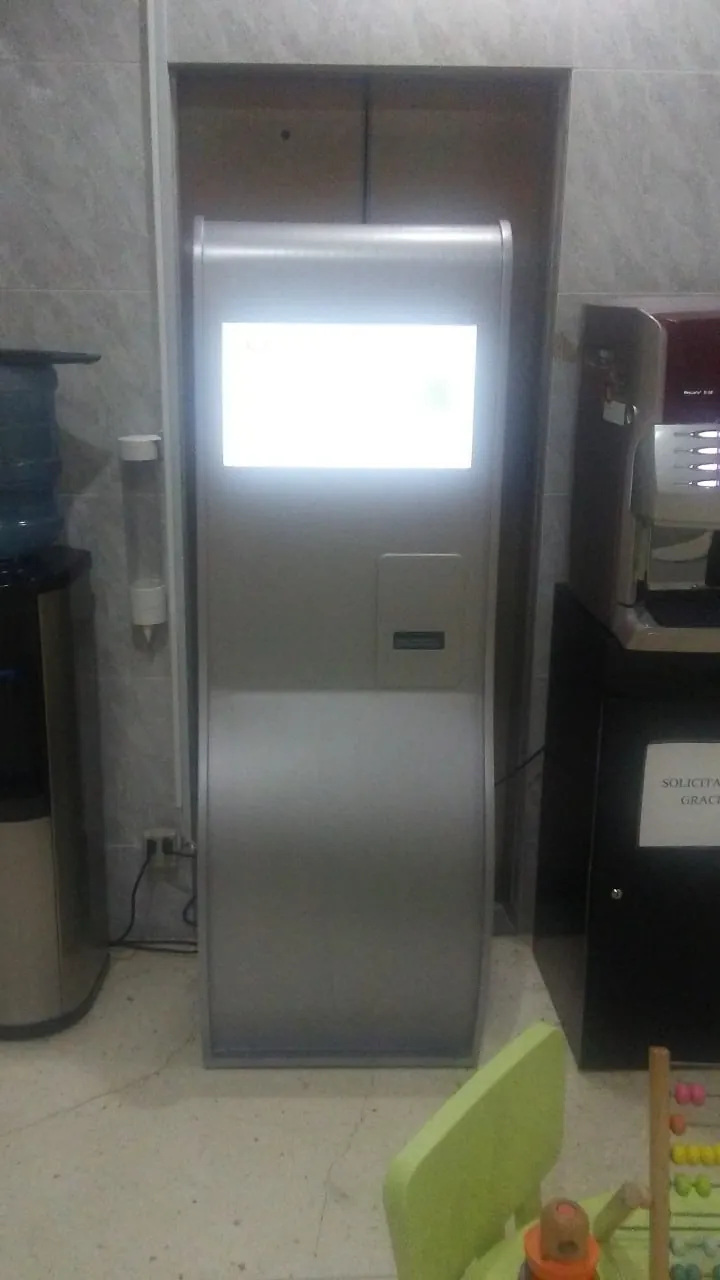
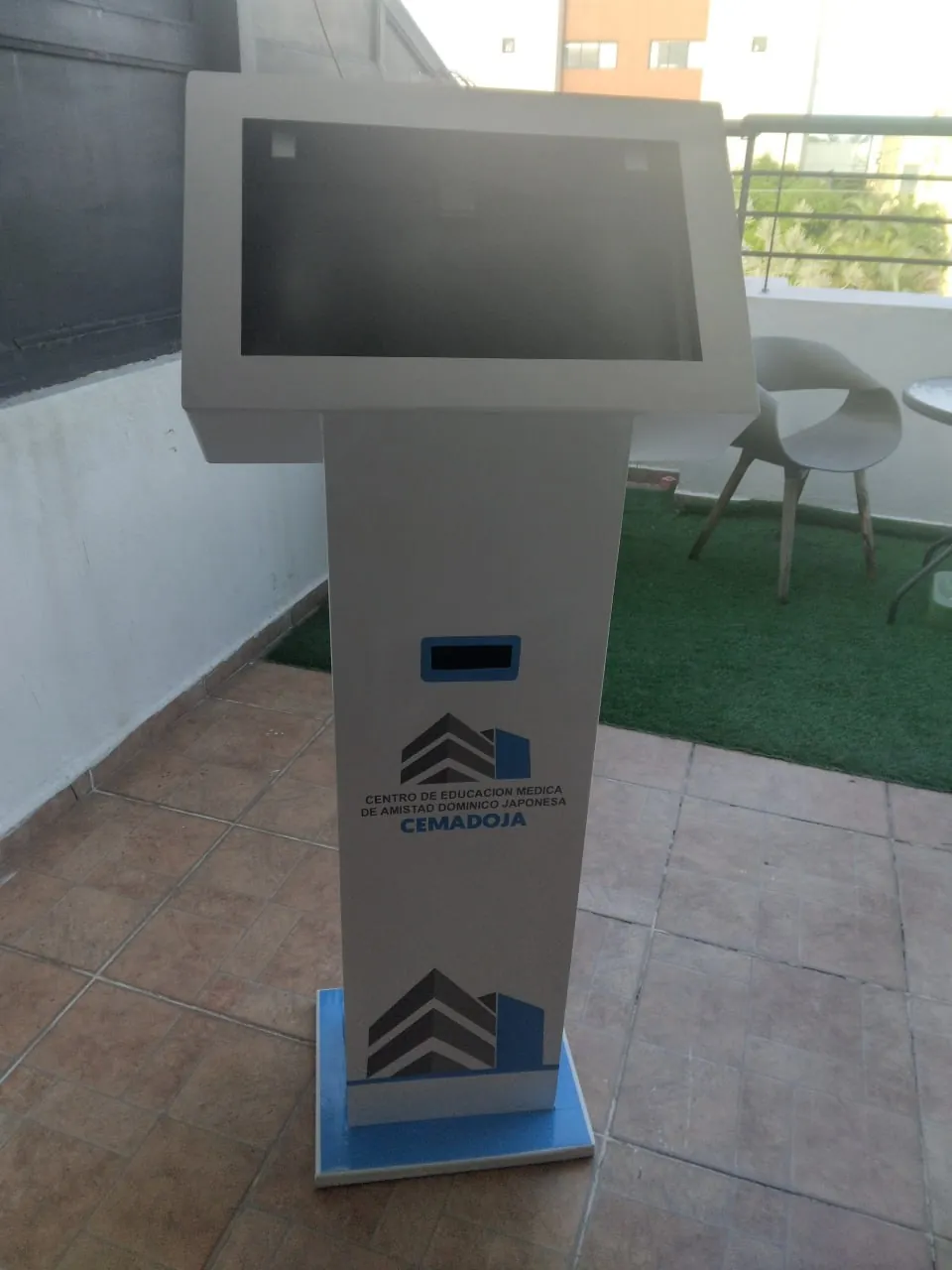
Our team has worked on queue management solutions since 2014, with more than 20 historical implementations. We first map the manual workflow with operational leaders, assess ticketing and service areas, coordinate network requirements with IT, configure operator stations, train staff, and introduce the system in stages. Support continues after launch, including help with new departments or users, according to the project agreement.
Supervisors can review tickets issued daily, tickets handled per operator, time before first call, handling time, cancelled or unattended tickets, department activity, historical reports and operator activity in real time.